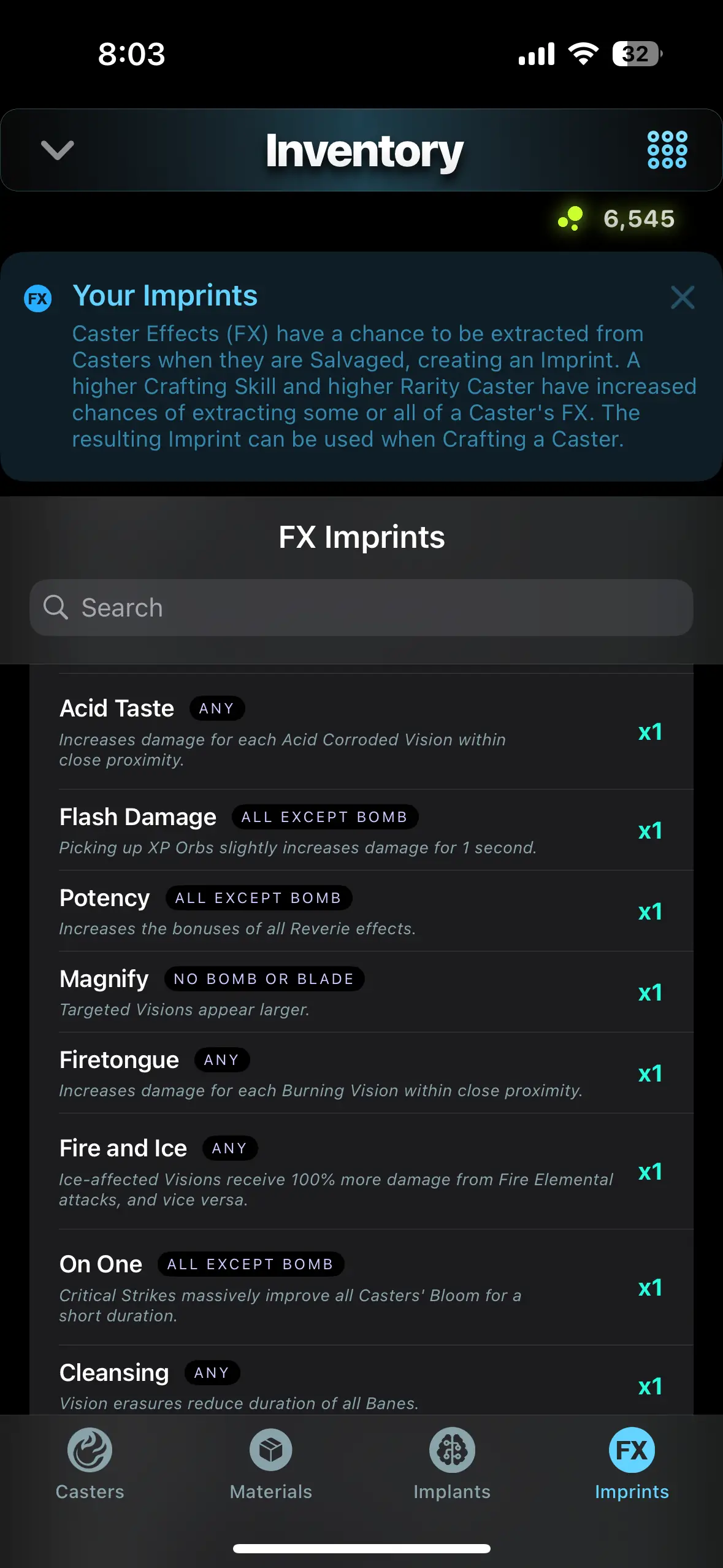
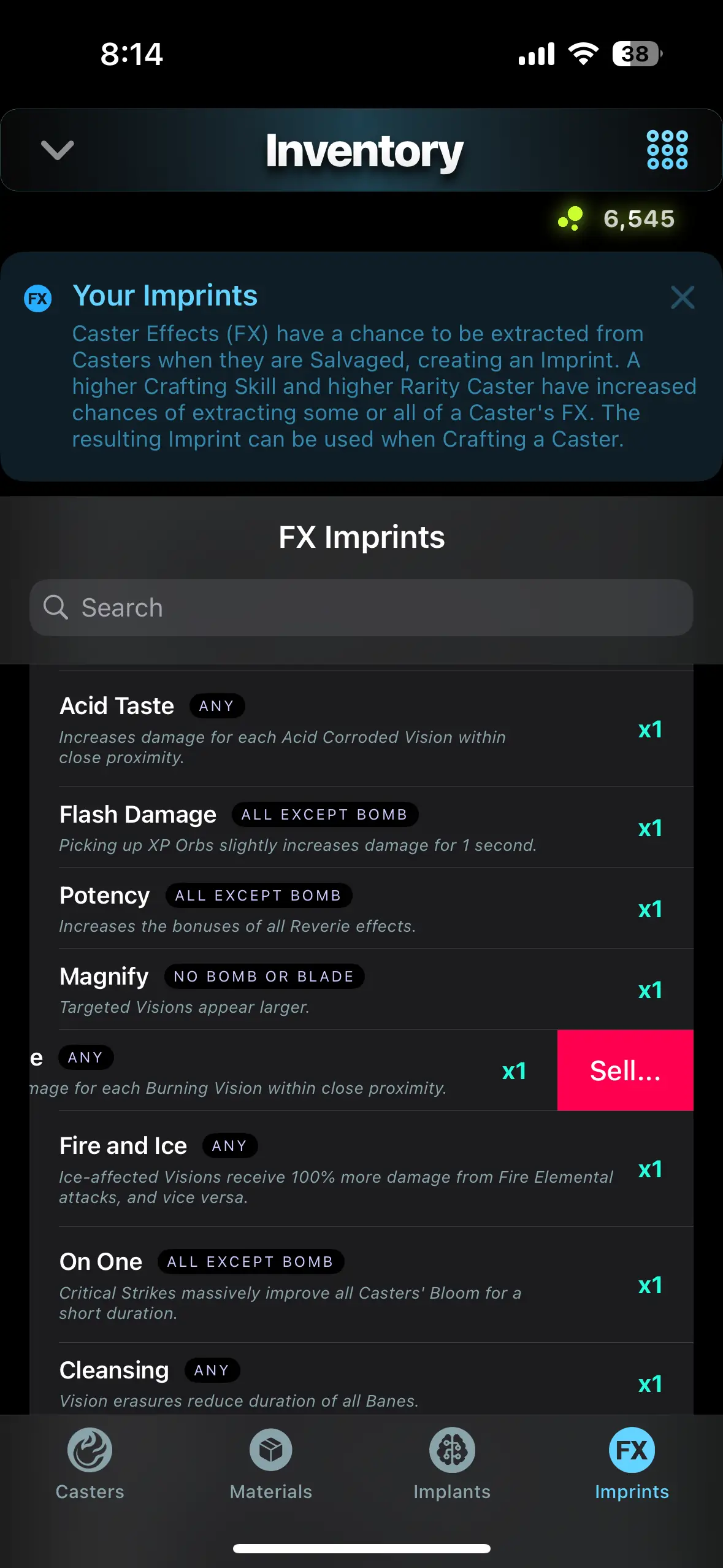
Your Inventory keeps track of all your Casters, Materials, Implants, and FX Imprints. From this screen, you can sell Casters, Materials, Implants, and FX Imprints and you can also salvage Casters and Implants for extra Materials.
Casters
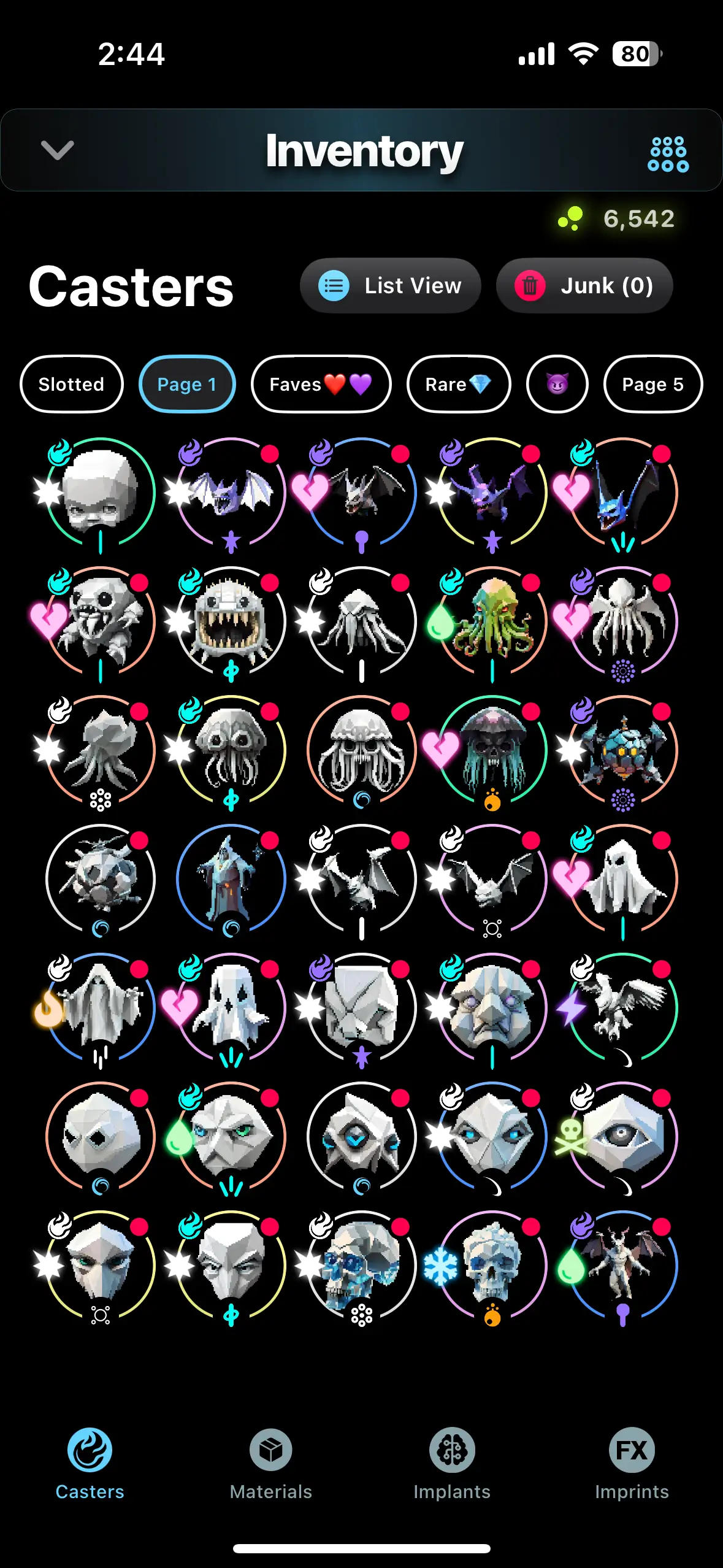
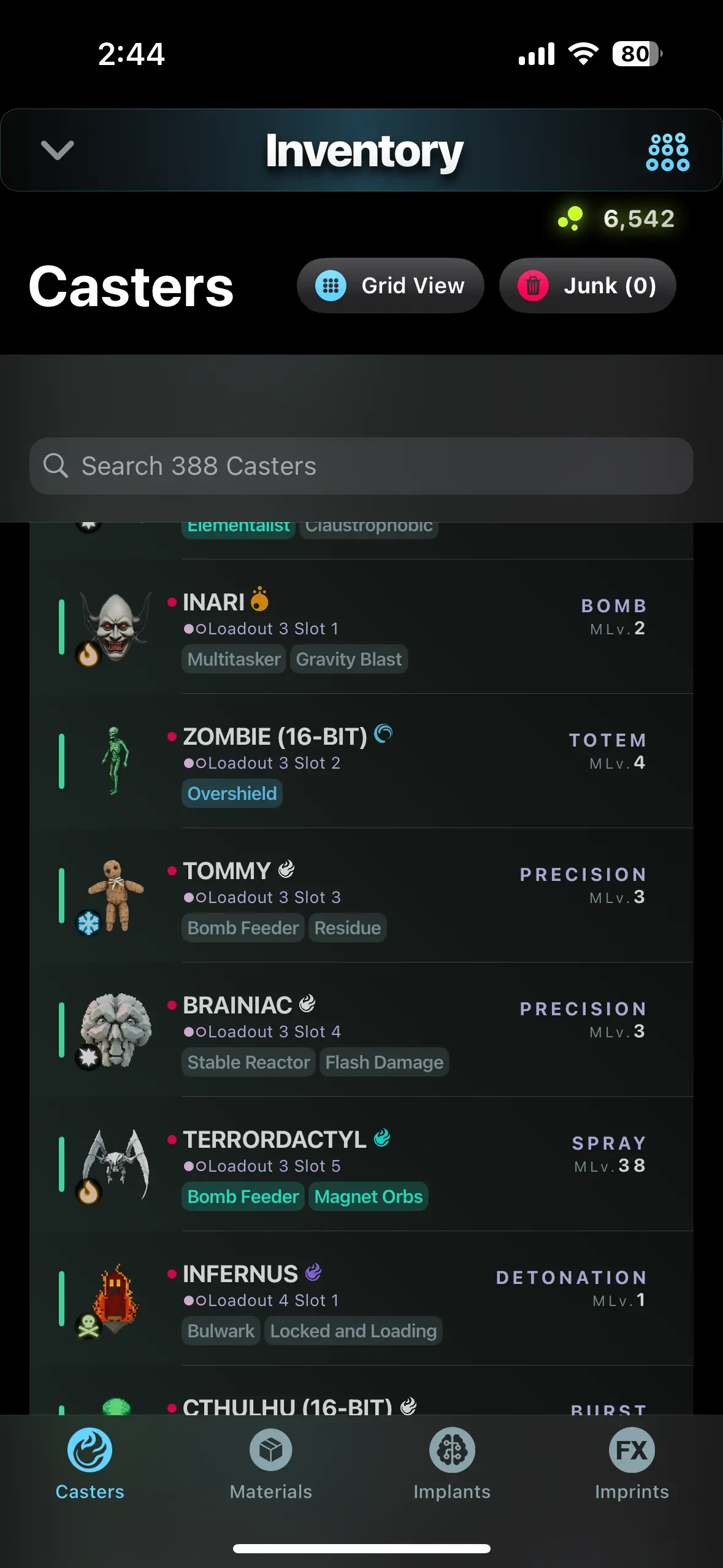
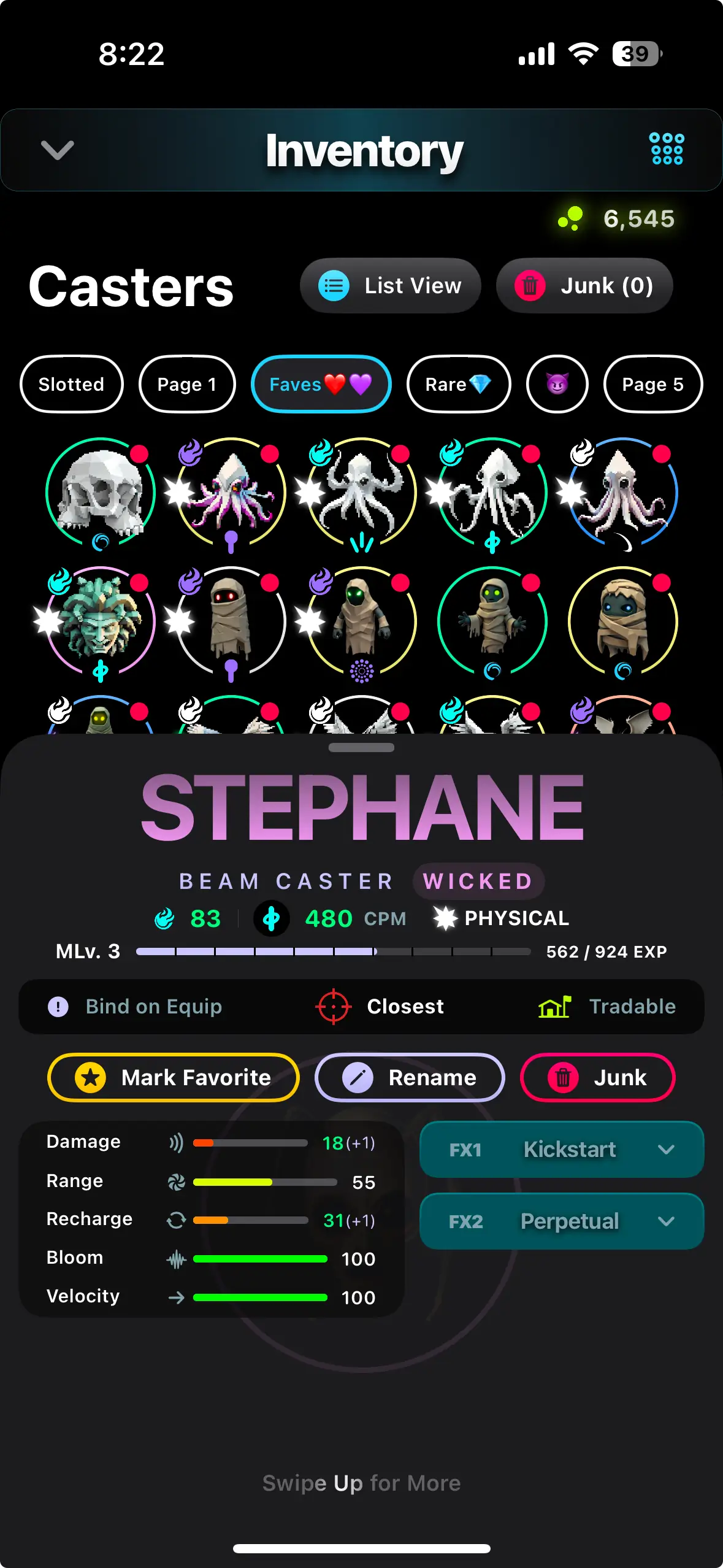
The Casters page shows all on-hand Casters, whether they are slotted into a Loadout or not. There are two display modes for Casters: Grid View and List View.
Grid View has 6 pages of Casters and allows you to move and re-arrange your Casters to help organize them how you want. Grid View is limited to the first 250 Casters you have in your Inventory. To view all your Casters, List View is required. To move Casters in Grid View, tap and hold a Caster and you can drag and drop it to a new slot, or to a different page.
List View can display a near unlimited number of Casters, and while it cannot be sorted in the same manner that Grid View can, it is helpful for large Caster inventories because of its search and filtering capabilities. In List View, you can use the Search bar to find a Caster based on its name, FX, or type.
When tapping on a Caster in either view, a slide-out information sheet will appear that will allow you to view the stats of a Caster. Swipe the sheet up further, and new options will appear that allow you to: Install an Implant (if the Mastery Level requirement is met), Sell or Salvage, or Rename the Caster to a custom name of your choice.
Casters can also be configured to change their targeting type (if the Mastery Level requirement is met) and Marked as Favorite. Marking a Caster as Favorite will show a star icon in your Inventory and bring it to the top of the List View screen.
Materials
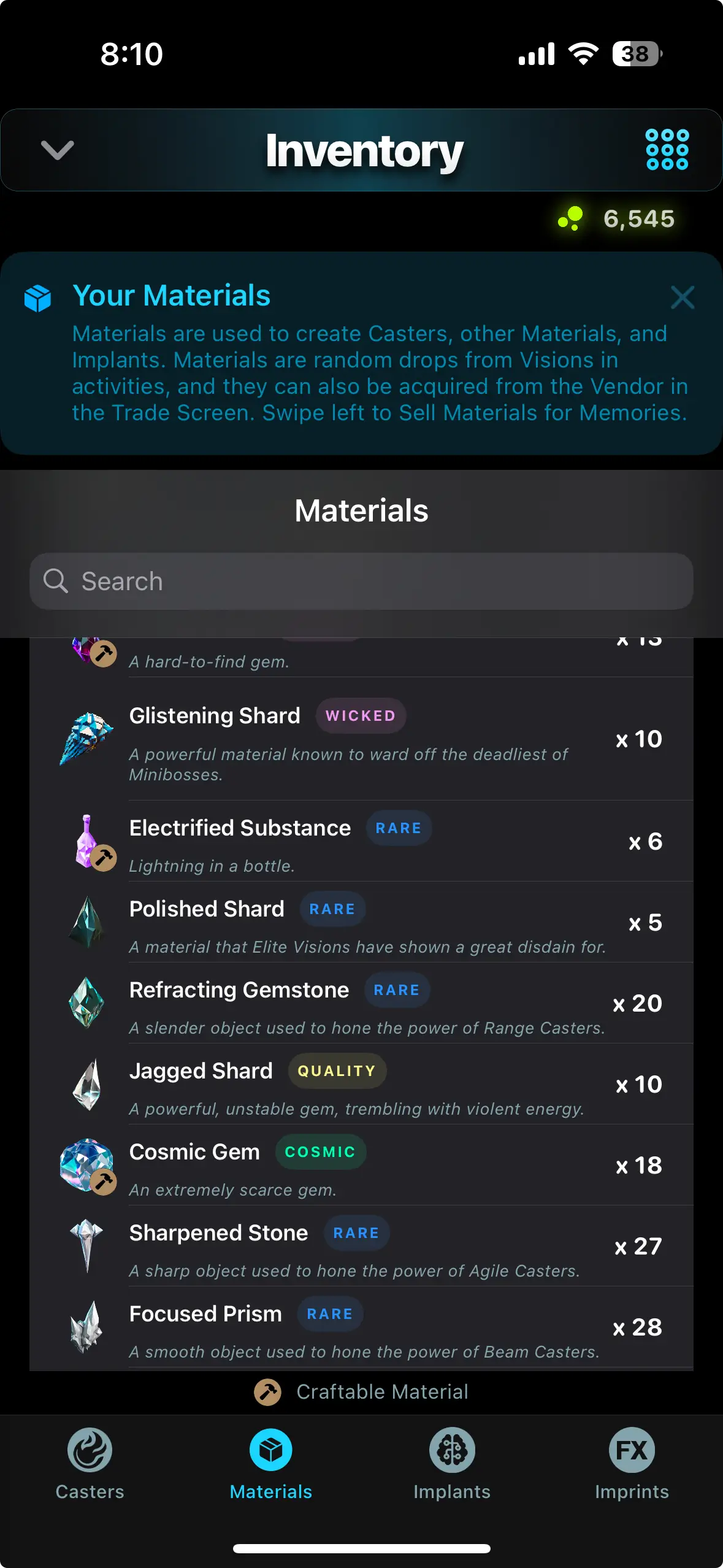
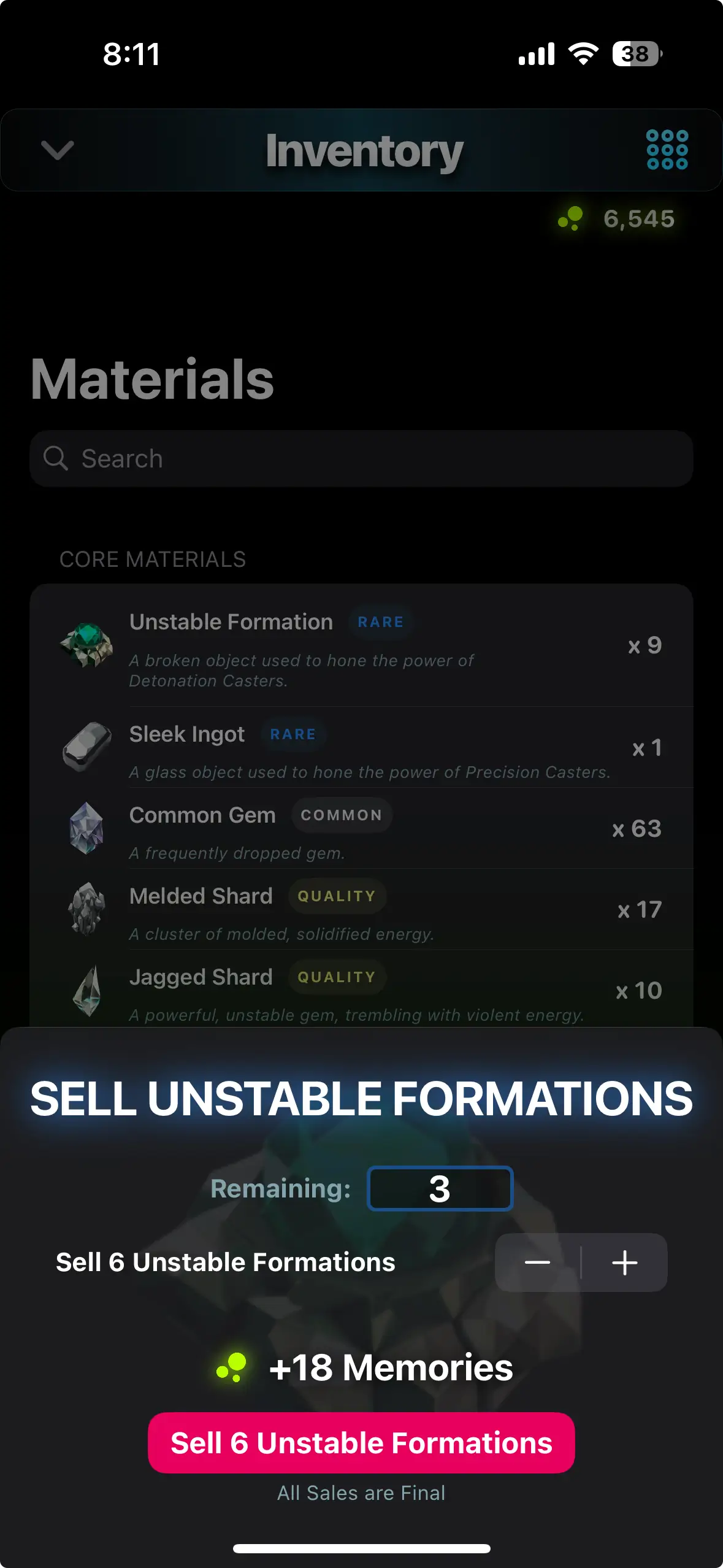
The Materials listed in your Inventory are in a list view and allow you to sell them individually or in bulk for Memories. You can sell Materials by swiping them left.
Implants
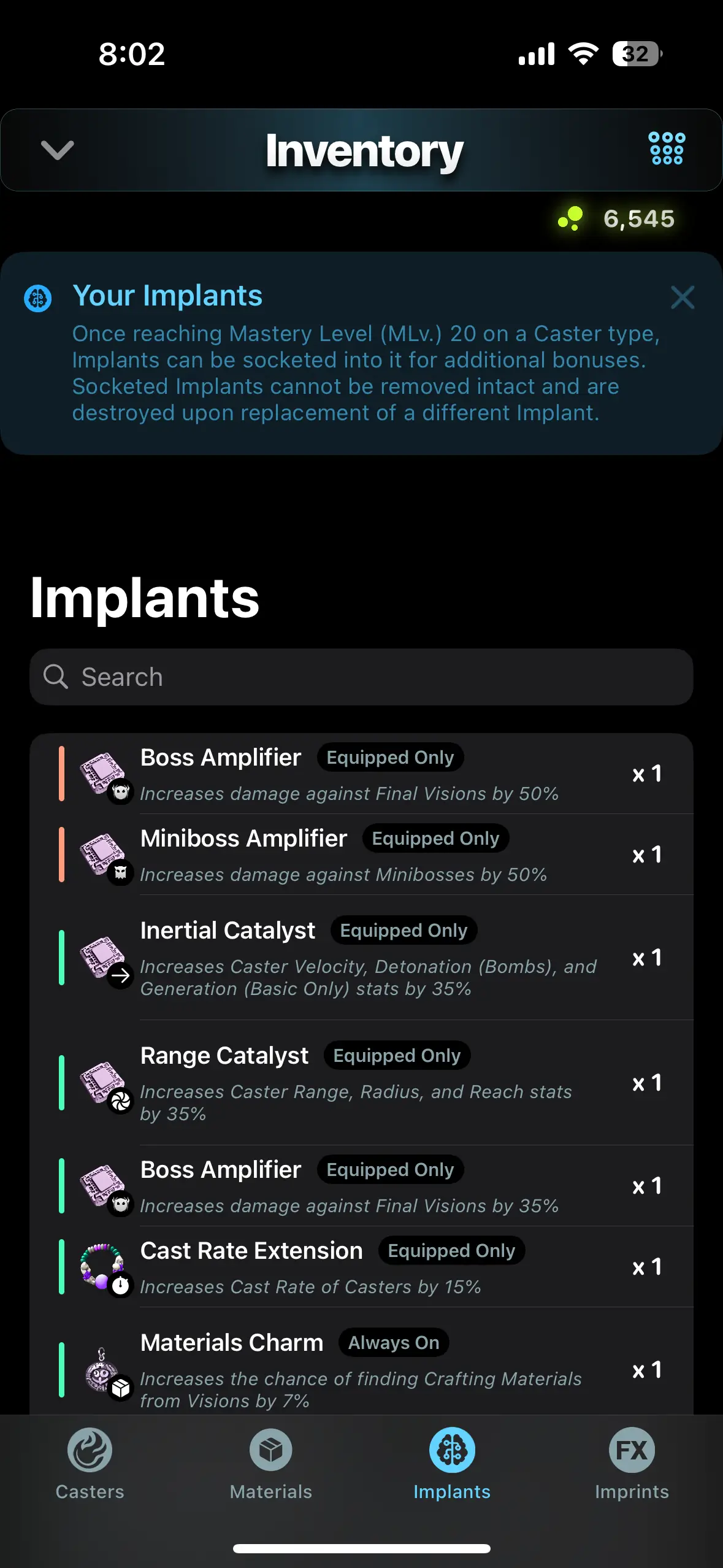
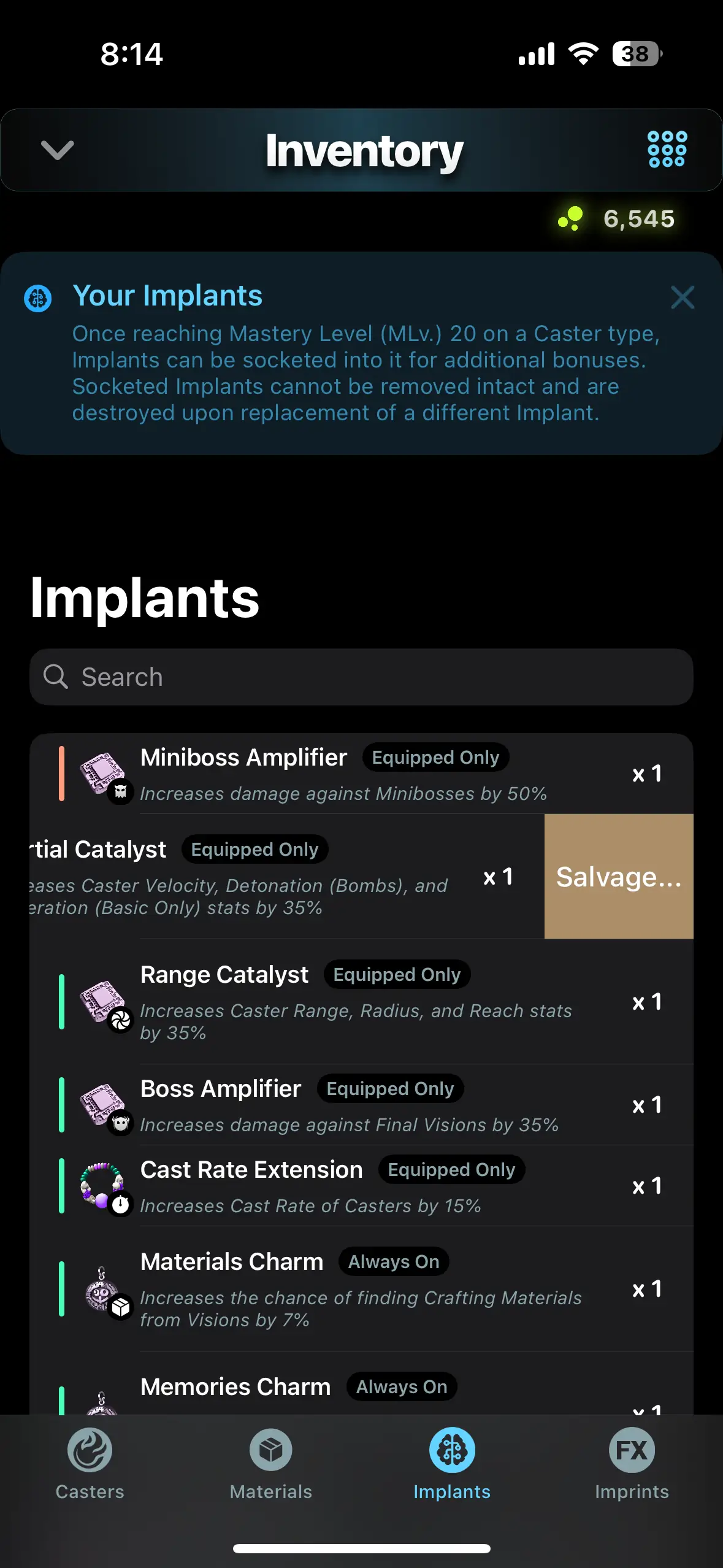
The Implants listed in your Inventory are in a list view and allow you to salvage them individually or in bulk for Materials. You can salvage Implants by swiping them left.
Imprints
The Imprints listed in your Inventory are in a list view and allow you to sell them individually or in bulk for Memories. You can sell Imprints by swiping them left.